Colour. Every transform named, every guess flagged. Nothing quietly invented.
Stoic.
Your Dolby Vision videos. Without the purple and green.
A native Mac player for HDR movies, MKV files, and precise subtitles. Pay once. Use on three Macs.
Apple silicon · macOS 26+ · One-time payment · Secure checkout by Dodo Payments · How it compares
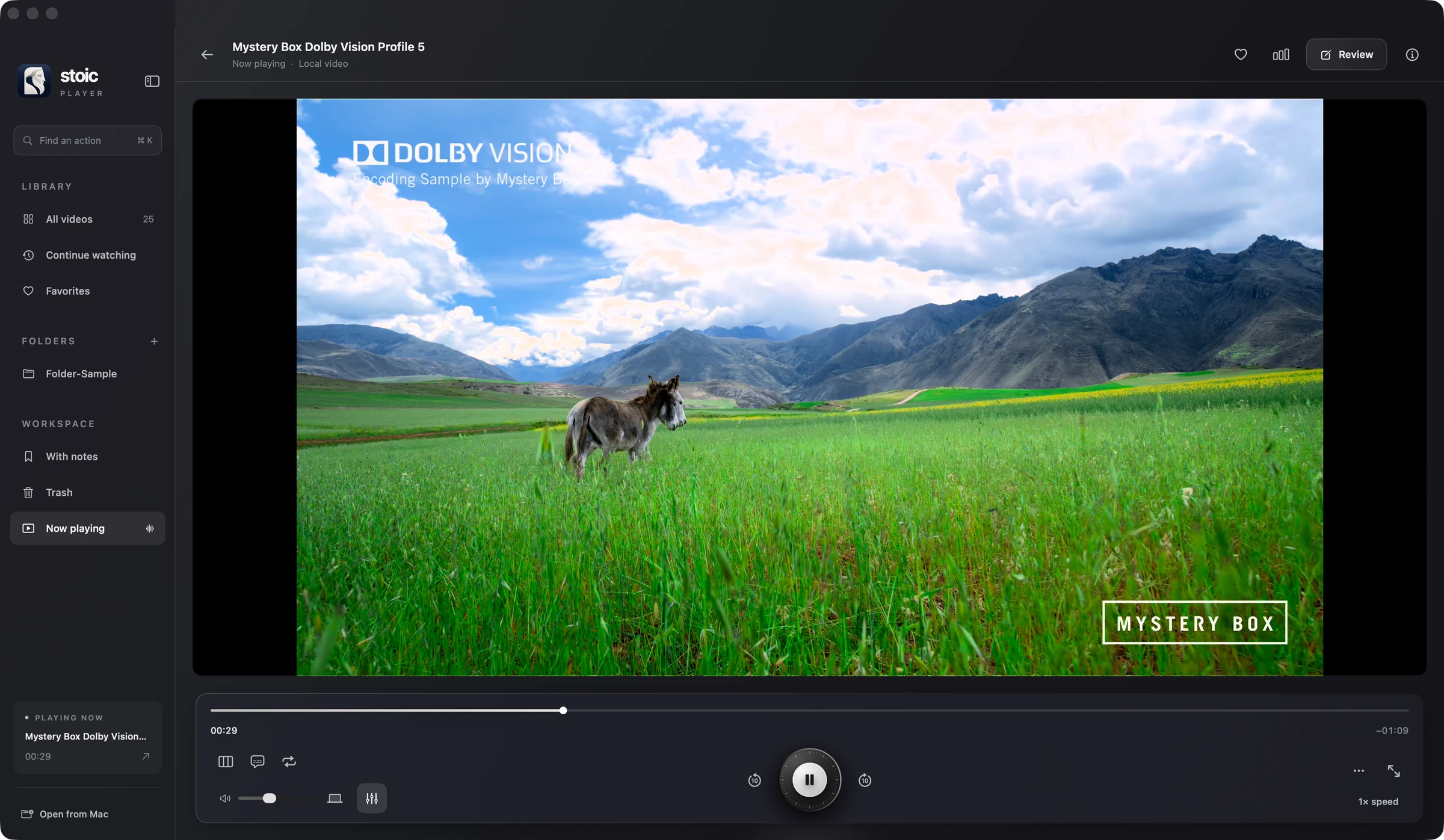
This is Stoic. The real player, exactly as it opens on your Mac.
Find an action · ⌘K
Type open, subtitles, speed or HDR mode instead of hunting menus.
Your library
Folders and private folders. Your files stay where they are.
Subtitles and A–B loop
Two subtitle tracks at once. Loop any passage with L.
Equalizer
Ten bands, with gain protection so loud mixes never clip.
Benchmark · ⌘⇧B
Frame rate, dropped frames and CPU, live.
Review
Mark moments and keep notes as you watch.
Dolby Vision, as mastered
Mapped to the headroom this display really has.
Speed and cinema mode
0.25× to 4× with pitch kept. Press C for cinema.
From the people using Stoic
In their words.
“The UI is well crafted”
 @simonwidy
“It’s great. I especially liked the HDR/Dolby Vision support, the clean native macOS interface, and the ability to save individual frames and specific moments from a video.”
 @danyagadeliya
“Stoic has cool features”
 @gianni1986
“Uninstalled VLC, using Stoic as default”
 @techcharm10
“it was very easy to use, no problem figuring out how to play a file. I used an 80 GB mkv which is a 4K, HDR version of Oppenheimer. It looked great”
 @red1127
Three things other players guess. Colour, brightness and timing — Stoic measures each one instead.
Brightness. Highlights roll into the headroom your display has right now, not a fixed guess.
Timing. 23.976 to 120 fps, matched to your panel without dropped or doubled frames.
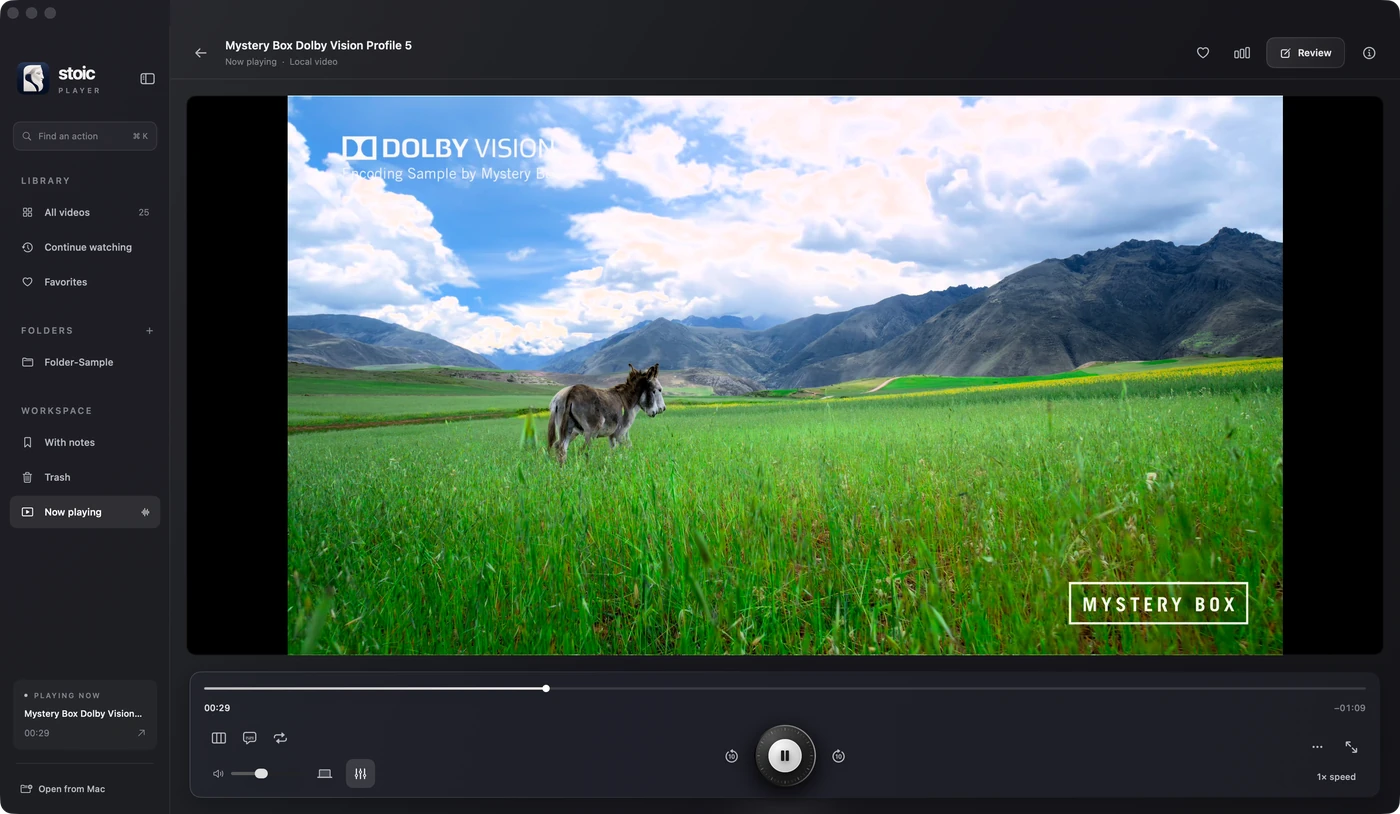
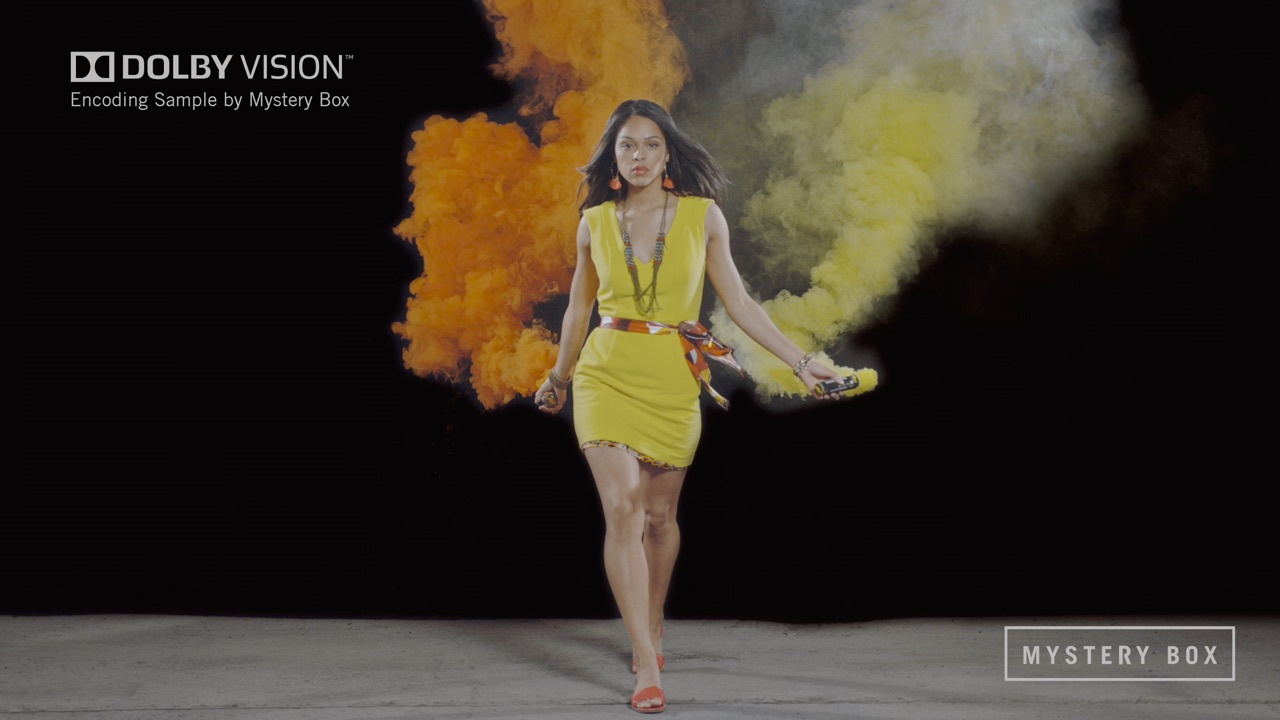
Same file. Not the same picture. Two real captures of one Dolby Vision frame. Drag to compare.
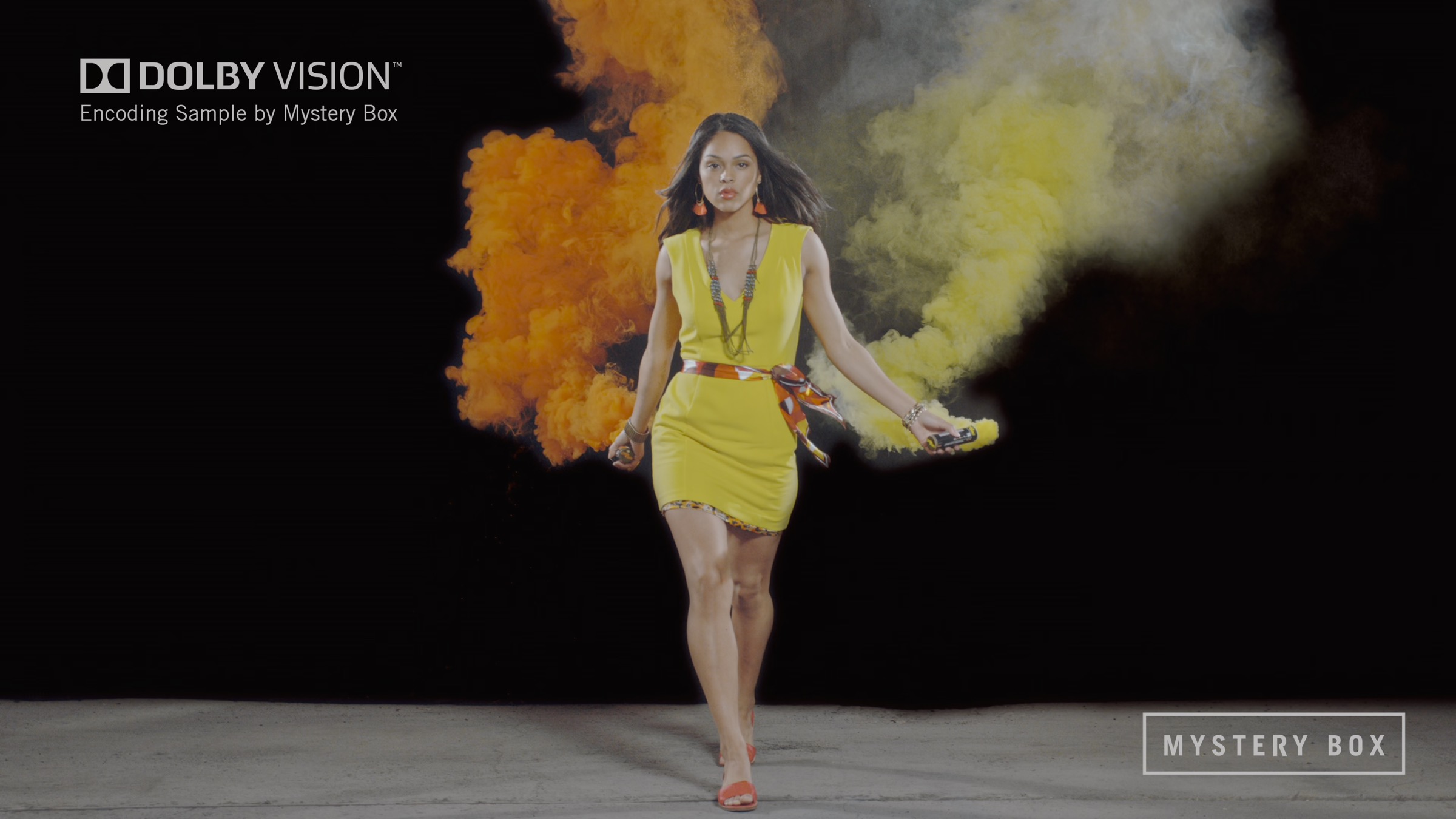
 VLC 3.0.20Stoic
A fraction of the work. The right picture, with a lighter touch than every player we tested.
- 56×
- less CPU than VLC on 4K Dolby Vision
- 2.9×
- less CPU than Elmedia, at half the memory
- StoicCorrect colour14.5%
- Elmedia PlayerColour cast41.7%
- VLCColour cast819%
Median · 100% = one core. VLC’s bar is cut to fit. QuickTime Player doesn’t open Dolby Vision Profile 5.
Tested on a MacBook Pro, Apple M1 Pro, 16 GB, macOS 26.6.2, playing the Mystery Box Dolby Vision encoding sample (HEVC Main 10 · 3840 × 2160 · 59.94 fps). See the full benchmarks
Your notes, in the moment. For the frame you want to talk about, not just watch.
Save moment. One key pins the frame and a timestamped note to it.
A–B loop. Set a start and an end, and let a shot play until you’ve seen it.
Export the clip or the notes. The loop, or the last 15 seconds, and your notes as a list.
Stills that stay HDR. Saved as HEIC with the highlights intact, or PNG when you want SDR.
 Moment saved at 00:40.0
AB
Saved momentsLoop 00:38 – 00:44
- 00:36.2Rain streaks keep their detail against the neon. Check at full brightness.
- 00:40.0Hero frame. Saved as an HDR still.
- 01:12.6Green spill on the wet floor goes flat on the external display.
Save momentExport clipExport notes
Private folders. Some footage isn’t for everyone who walks past your screen.
Mark a folder private and Stoic asks for Touch ID or your password before it opens it. Your library, favourites and notes live on your Mac.


Unlock “Client — Aurora”
Touch ID or enter your password to open this private folder.
Use password…And everything a player should do. Quietly, by default, without a setting to hunt for.
HDR10+ and HDR10. Dynamic metadata honoured, static metadata respected, missing tags flagged instead of guessed.
Plays the files you have. MKV, MP4, MOV, WebM, M2TS, MXF. HEVC Main10, AV1, DTS-HD, ASS subtitles.
Pictures while you scrub. Drag through a three-hour file and see every frame, not a spinner.
Ten-band equalizer. Precise bands and presets like a night-time dialogue lift, never over the picture.
Native to Apple Silicon. VideoToolbox and Metal. Not a web view, not a port. Quiet when paused.
No account. No telemetry. No sign-in, no analytics, no network requests at runtime.
Pay once. Keep it. One licence, up to three of your Macs, every Stoic update.
Your licence key appears the moment checkout finishes and is emailed to you. Paste it into Stoic to activate; move it to another Mac any time from Settings.

Stoic for Mac
Launch offer
$7.99
Rises to $14.99 after the launch offer ends.
- One-time payment, no subscription
- Every feature, and free updates to Stoic
- Dolby Vision, HDR10+, HLG and 248 file types
- Native Mac app, private and local-first
- Valid on 3 Macs
Apple silicon · macOS 26 or later · Secure checkout by Dodo Payments
Questions? Answers.
What do I get when I buy?
A licence key, shown the moment checkout finishes and emailed to you. Download Stoic, paste the key, and it’s activated. One licence covers up to three Macs, with every Stoic update included.
How much will it cost?
A one-time payment, no subscription: the price is shown above in your currency. One licence covers up to three Macs, and you can move it between them from Settings.
Which Macs can run it?
Macs running macOS 26 or later. Stoic is built natively for Apple Silicon.
How does colour compare with QuickTime?
For a plain MP4 that QuickTime supports, they should look the same. Stoic’s advantage starts with broader formats, missing-tag diagnostics, Dolby Vision reconstruction and review tools.
Does Stoic send anything anywhere?
Your videos never leave your Mac, and Stoic records no telemetry. It contacts our server only to activate your licence, re-check it about once a week, and look for updates. Online subtitle search runs only when you ask for it.
Does it work with external displays and AirPlay?
Yes. Stoic maps the picture to whichever screen it’s on, including an extended monitor or an AirPlay display connected through macOS.
Carved, and ready. Pay once, and every frame looks the way it was mastered.
Launch offer
Already bought Stoic? Find your licence.